How PDF Forms can Simplify Remote Work
Like it or not, working remotely is here to stay. Even before the global COVID-19 pandemic reared its ugly head, remote work was already gaining popularity among many industries. Now, it’s pretty standard procedure, as many of us are able/allowed to work remotely. The good news is, the necessary shift to remote work during COVID has been quite successful, and the attitude toward it has been trending positively, from business owners and employees alike. According to a study by PwC in 2021, 83% of employers now say the shift to remote work has been successful for their company, which is up from 73% in June 2020.
Although remote work is becoming more favorable among the masses, it can still be challenging, especially if you are used to in-person collaboration or face-to-face business transactions. Thanks to advances in technology, your remote workflow can be highly efficient, and something that can help a lot with that is by using PDF Forms processing in combination with digital signatures.
Optimize Your Remote Workflow with PDF Forms
In this age of remote work, operating without an automated PDF forms process can leave you performing manual data entry along with the associated employee costs. Forms processing technology allows for the efficient collection (and management) of information from your customers, prospects, employees, students, or partners spanning many different sectors including government, finance, healthcare and education sectors.
How PDF Forms can help with your remote workflow:
- Quickly capture the data you need, securely and electronically
- Streamline gathering bulk form data by using barcoded forms
- Improve your customers’ experience by making filling out and signing digital forms easy for them
- Eliminate scanning & faxing or emailing paperwork by converting your paper forms into digitally sign-able one
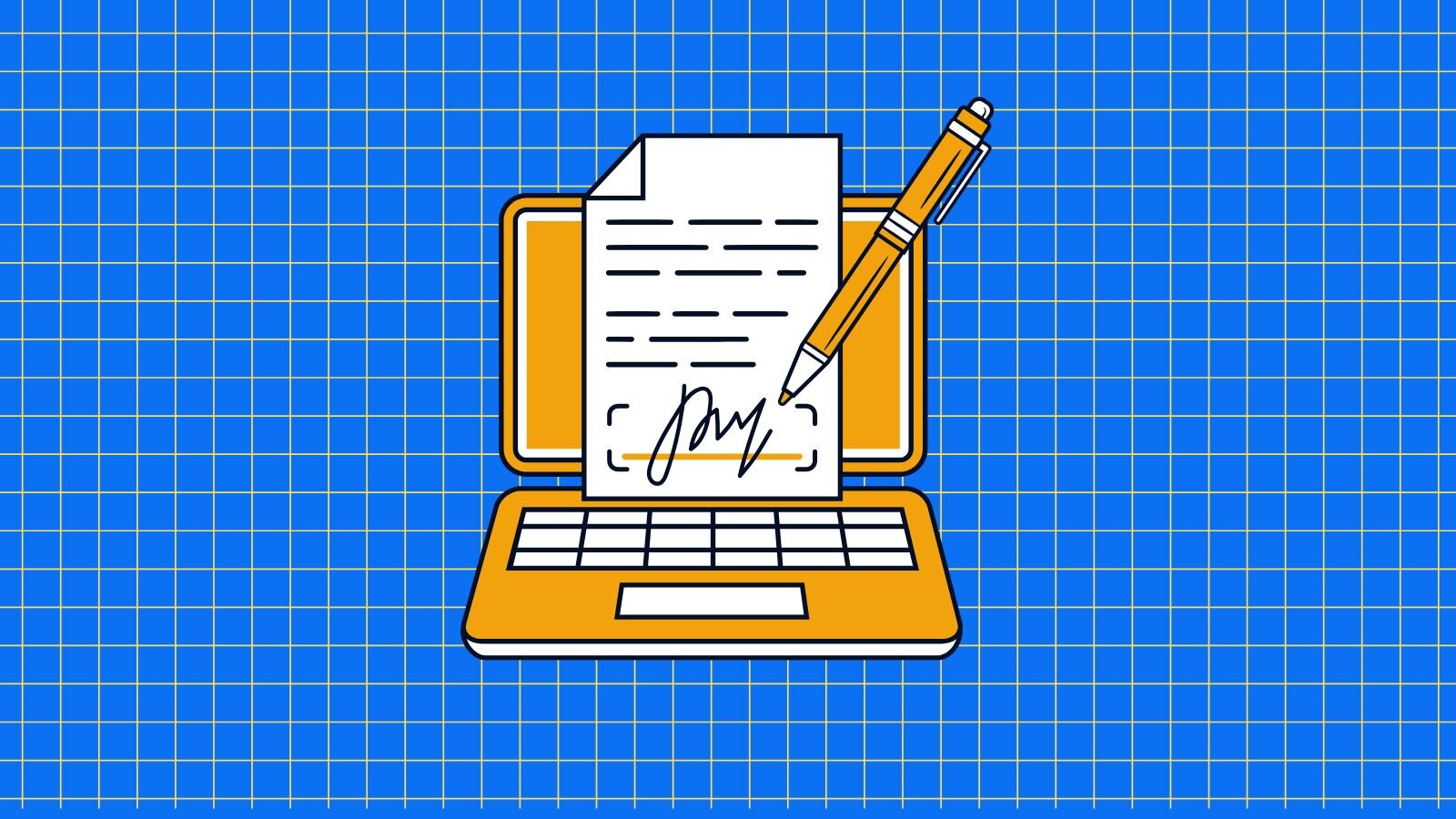
Using Digital Signatures Along with PDF Forms
You can also keep your digital documents secure and valid while working remotely by using an important counterpart to PDF Forms: digital signatures. As more paperless, online interactions increase, it is important that incoming business documents like contracts, medical forms, tax forms, etc. are authenticated and compliant. Using digital signature technology can make sure you achieve that electronically.
How digital signatures can help simplify your remote workflow:
- Get all necessary business documents signed quickly & electronically – i.e. contracts, legal documents, HR agreements, client/employee onboarding documents, etc.
- Easily validate the authenticity of a digital signature
- Allow your remote employees to capture customer consent via any device, including on mobile devices
Check out our PDF Forms Solutions
Our PDF forms processing solutions will help you address your organizational needs and enable you to exceed your remote work expectations. Datalogics offers several tools to help you optimize or create your forms processing workflow. To learn more about each of these tools, please visit the links below:
Adobe PDF Library (APDFL) – a robust SDK built with the same core technology that Adobe uses to build Acrobat, with extensive forms functionality
PDF Forms Flattener – a simple command-line application that allows users to easily flatten XFA and AcroForm documents to PDF
Maximize your PDF Form Functionality
Start a free trial today to learn how to convert complex forms into flat PDFs that maintain their integrity and can be universally viewed and printed.