What is Adobe PDF Library SDK?
Adobe PDF Library SDK is a developer toolkit from Datalogics that provides programmatic access to Adobe’s PDF engine — the same core technology that powers Acrobat. It enables developers to create, convert, modify, secure, and process PDFs in C++, .NET, .NET Framework, and Java. It is used in enterprise applications, document automation platforms, SaaS products, and OEM software by companies including Boeing, IBM, Oracle, SAP, and Fidelity.
What languages and platforms does Adobe PDF Library support?
Adobe PDF Library supports Adobe C++, Modern C++, .NET, .NET Framework, and Java. It runs on Windows, Linux, and macOS (Intel and Apple Silicon). It is available via NuGet for .NET/.NET Framework, Maven for Java, direct C++ download, and as a containerized deployment via the pdfRest API Toolkit Container.
Does Adobe PDF Library support MCP (Model Context Protocol) integration?
Yes. Datalogics exposes Scout, our AI assistant with knowledge of the Adobe PDF Library SDK and documentation, as an MCP server. Developers using MCP-compatible clients like Claude Desktop or Claude Code can connect directly to Scout and query the SDK's APIs, methods, and implementation patterns from within their own development environment — no need to leave your editor to look something up.
Is Adobe PDF Library SOC 2 certified?
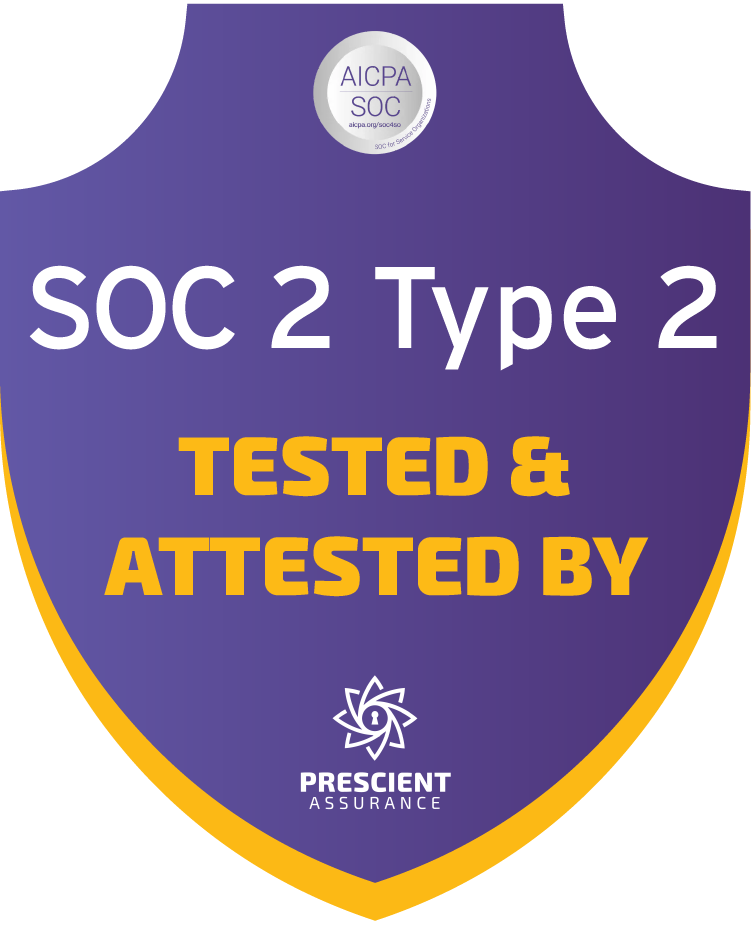
Yes. Datalogics achieved SOC 2 Type 2 certification in 2025, audited by Prescient Security. This validates security, availability, processing integrity, confidentiality, and privacy controls — covering the five AICPA trust service criteria.
What is the difference between Adobe PDF Library and PDF SDKs from Apryse and Nutrient?
Adobe PDF Library, Apryse, and Nutrient all offer server-side PDF processing capabilities, but differ significantly in their technical foundation and target use cases.
Adobe PDF Library is built on Adobe's own source code — the same core technology used in Adobe Acrobat. This means it has native, first-party fidelity to the full PDF specification, including the latest Adobe extensions, rather than a third-party reimplementation of it. For enterprises where PDF rendering accuracy, compliance with evolving PDF standards, and long-term reliability are non-negotiable, this distinction matters.
Apryse is a broad document SDK platform covering web, mobile, server, and desktop deployments. It competes across a wider surface area including document viewing, annotation, and collaboration features, but its PDF processing engine is not built on Adobe source code.
Nutrient (formerly PSPDFKit) similarly targets cross-platform deployments with a strong emphasis on web and mobile document experiences, AI document processing, and end-user interfaces. Its server SDK supports .NET, Java, Python, and Node.js.
The primary differentiator for Adobe PDF Library is its Adobe lineage: it is the choice when the requirement is the deepest possible fidelity to the PDF specification at the server-side processing layer, particularly for regulated industries, high-volume document automation, and OEM applications where any deviation from the spec creates downstream risk.
A secondary differentiator is our level of customer support. We have a 90%+ retention rate and some of our customers have been with us for decades. They value our response time, high level of technical expertise and direct engineering-level assistance.
Does Adobe PDF Library support digital signatures?
Yes. Adobe PDF Library supports PAdES electronic signatures, CMS digital signatures, RFC 3161 timestamp signatures, and PAdES policy signatures. It also supports document encryption, password protection, redaction, and permission management.
Does Adobe PDF Library support Optical Character Recognition (OCR)?
Yes. Adobe PDF Library includes OCR capabilities across all supported languages and platforms — .NET, .NET Framework, Java, Adobe C++ and Modern C++, on Windows, Linux, and macOS. OCR allows developers to process scanned or image-based PDFs and add a searchable, selectable text layer to the document programmatically.
The OCR engine is powered by Tesseract and supports any language that Tesseract supports. Common use cases include making scanned document archives searchable, extracting text from image-based PDFs for downstream processing or AI ingestion, and producing accessible PDFs that meet PDF/UA requirements. Dedicated OCR best practices documentation is available for each language binding at dev.datalogics.com.
How do I start a free trial of Adobe PDF Library?
Visit datalogics.com/pdf-sdk-free-trial. The trial provides full SDK access with no feature restrictions and no credit card required. Install via NuGet, Maven, or C++ download and run your first PDF operation in under 10 minutes. Contact evalsupport@datalogics.com to extend your trial period.
What is the pricing for Adobe PDF Library?
Adobe PDF Library is licensed annually. Pricing varies by use model: OEM (flat annual fee per platform plus royalties based on distribution), SaaS (server-based or customized model), and End-User (per server/desktop). Contact Datalogics for a quote or read our Pricing & Licensing page.